Paste any format
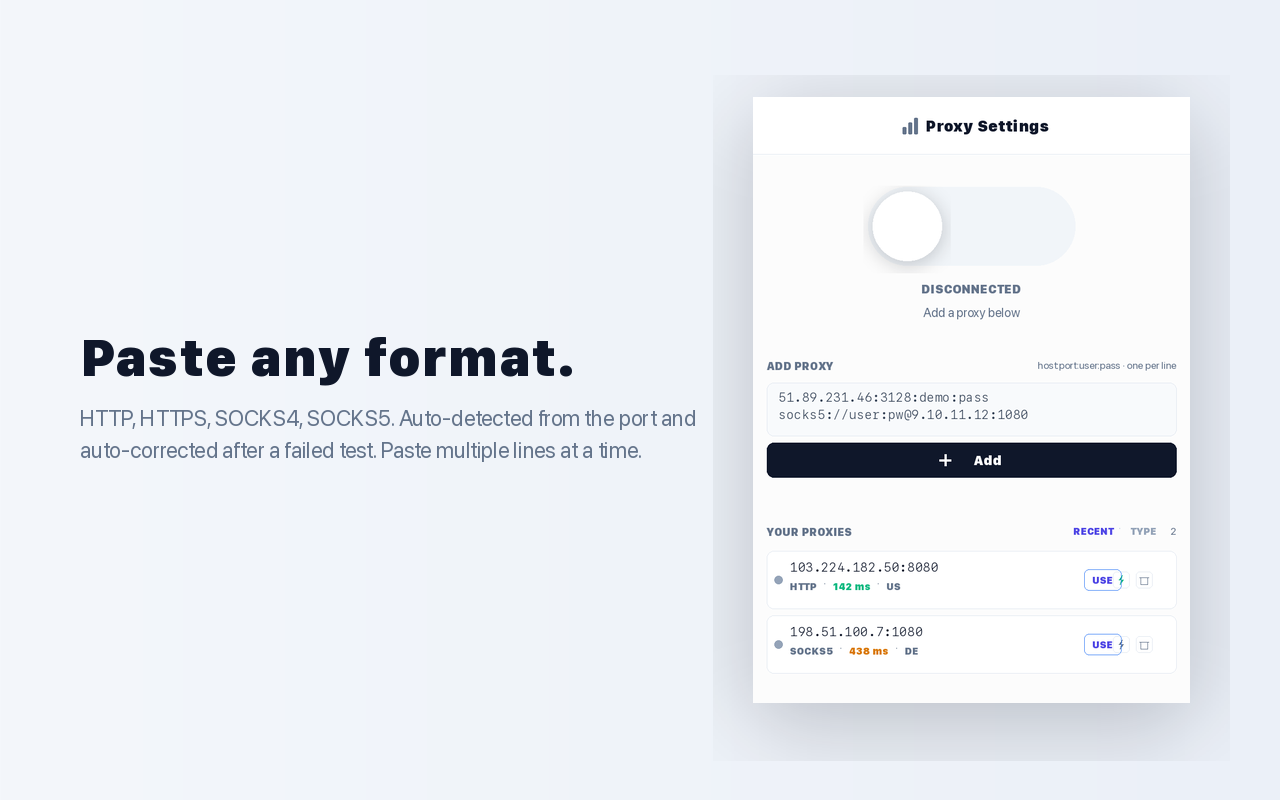
HTTP, HTTPS, SOCKS4, SOCKS5 — auto-detected from the port and auto-corrected after a failed test. Paste multiple lines at a time.
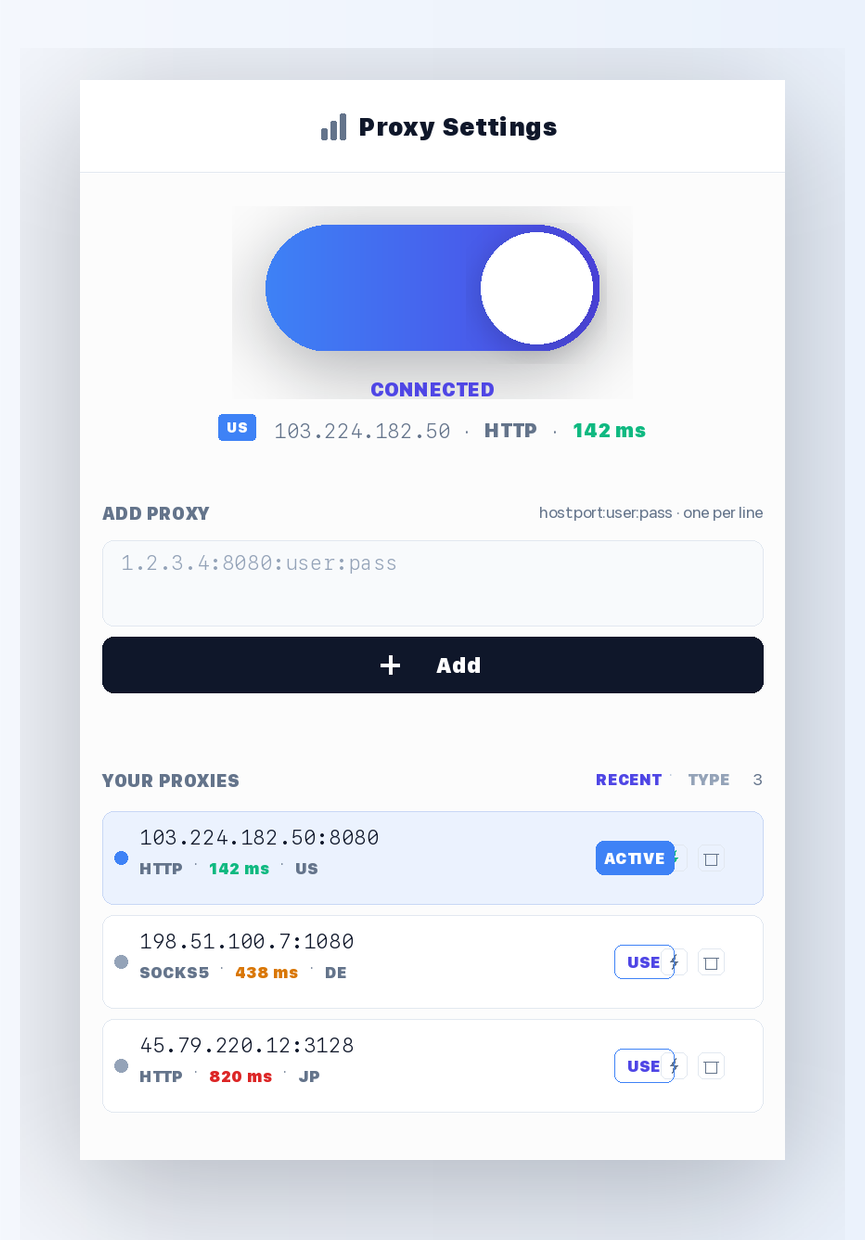
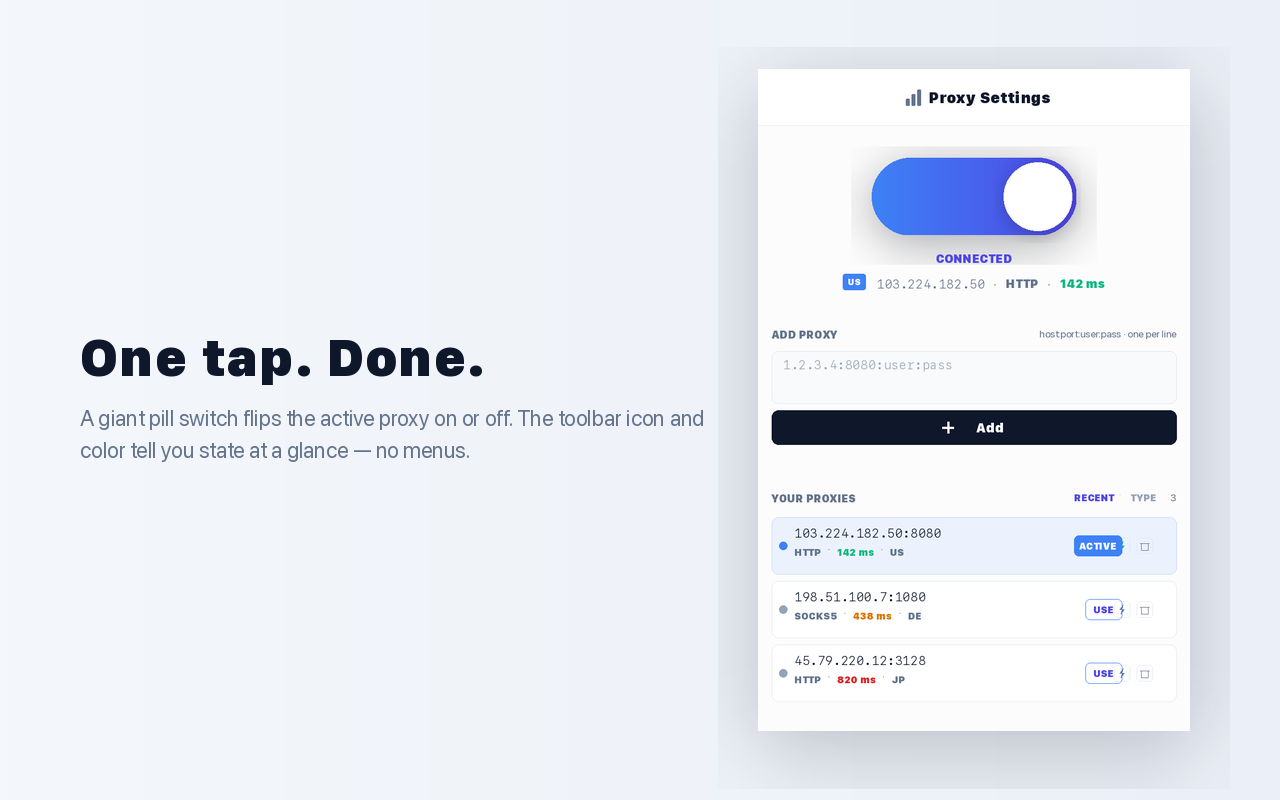
Add, test, and toggle HTTP / SOCKS proxies from one popup. No accounts, no telemetry — your list lives only on your machine.
No options page, no dashboard, no settings tab. The whole extension is one window that fits a thumb.
HTTP, HTTPS, SOCKS4, SOCKS5 — auto-detected from the port and auto-corrected after a failed test. Paste multiple lines at a time.
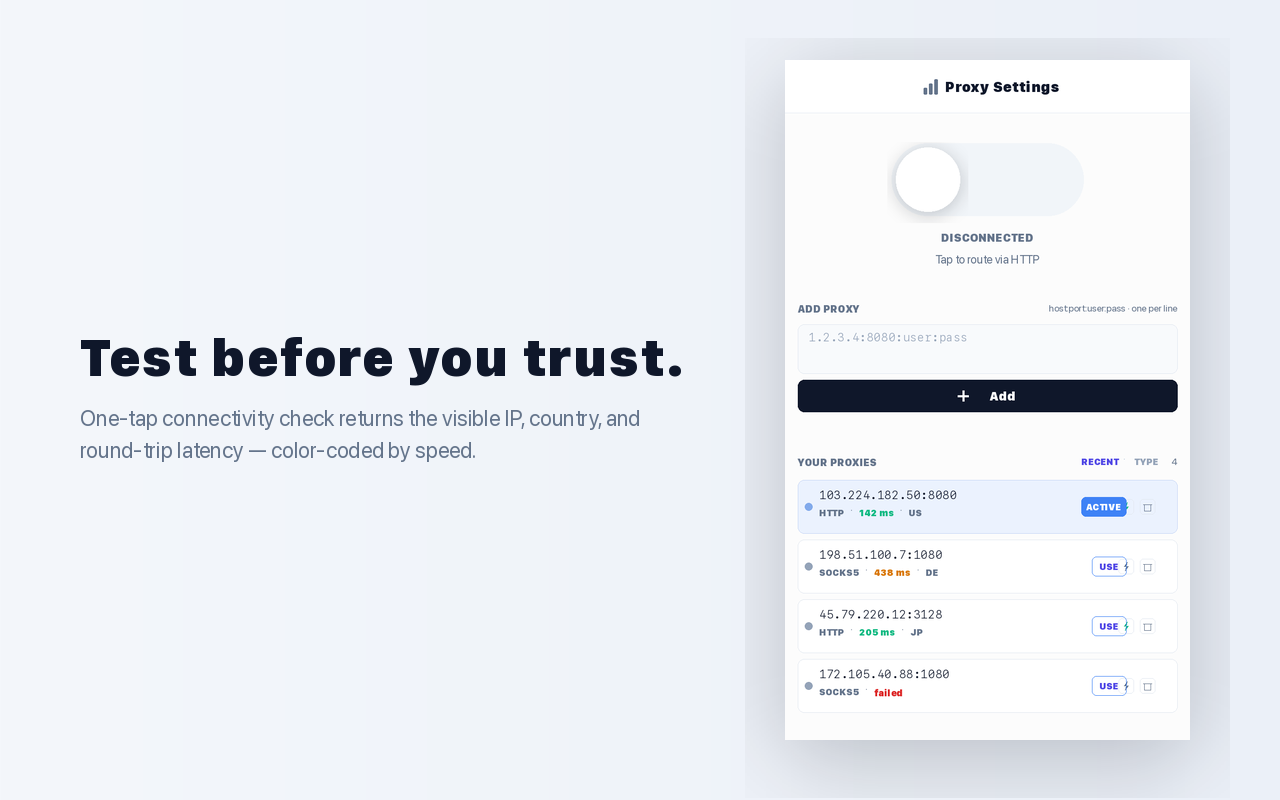
Connectivity check returns the visible IP, country, and round-trip latency. Color-coded green / amber / red by speed.
A giant pill switch with optimistic UI — the knob slides the moment you tap, before the proxy is applied behind the scenes.
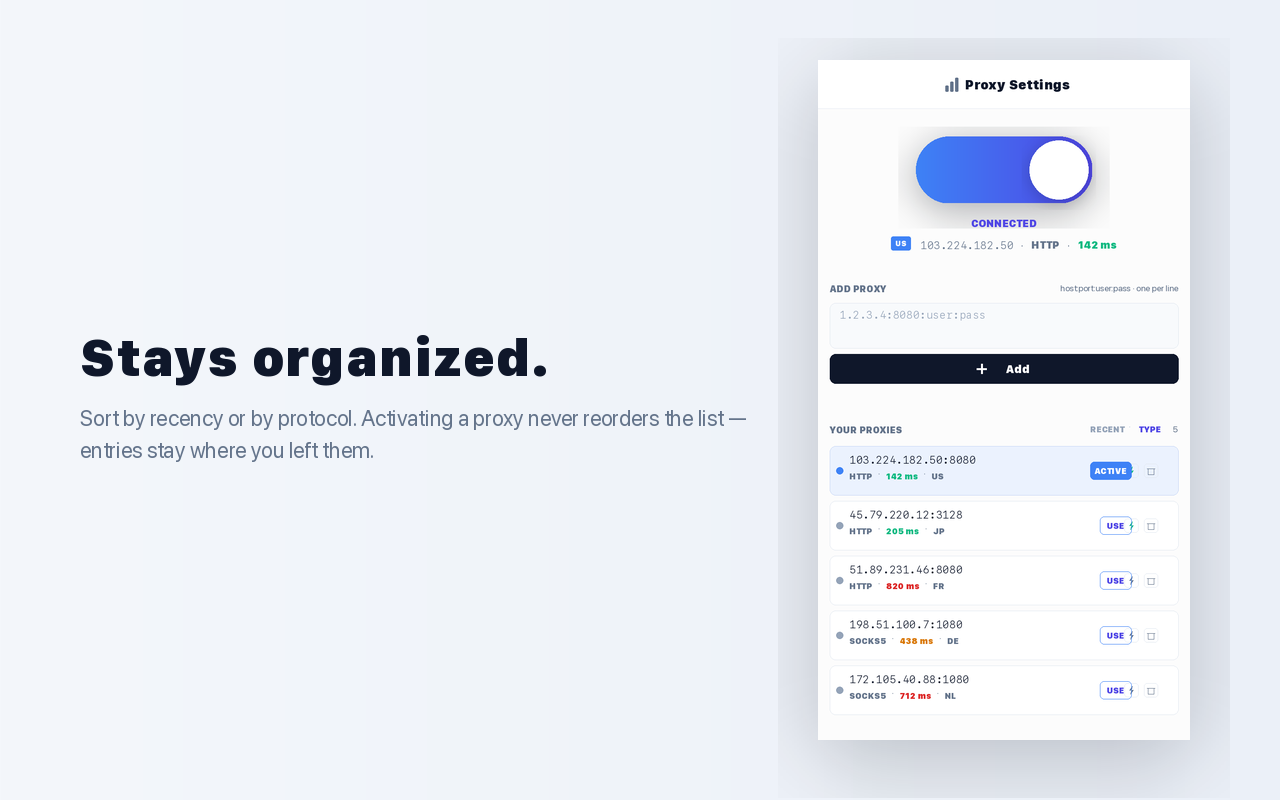
Sort by recency or by protocol. Activating a proxy never reorders the list — entries stay where you left them.
Stores credentials per proxy and replies to authentication challenges automatically — no per-request OS dialog spam.
Everything lives in chrome.storage.local. No accounts, no cloud sync, no telemetry. Uninstall removes it cleanly.
The extension keeps everything on your machine. The only outbound
request it makes on your behalf is a single HTTPS lookup to
ipwho.is when you tap Test — used to
read back the visible IP and country through the proxy under test.
Free, MIT-licensed, ships as a Chrome Web Store extension.
Install from Chrome Web StoreCompatible with Chrome, Edge, Brave, Arc, and any Chromium browser running Manifest V3.